
Stop doing the bits a computer should be doing.
Every business has a handful of jobs that exist only because the software cannot do them: chase that, copy this, tell so-and-so, export it into a spreadsheet on Monday. Gydon is built to take those off somebody's desk.
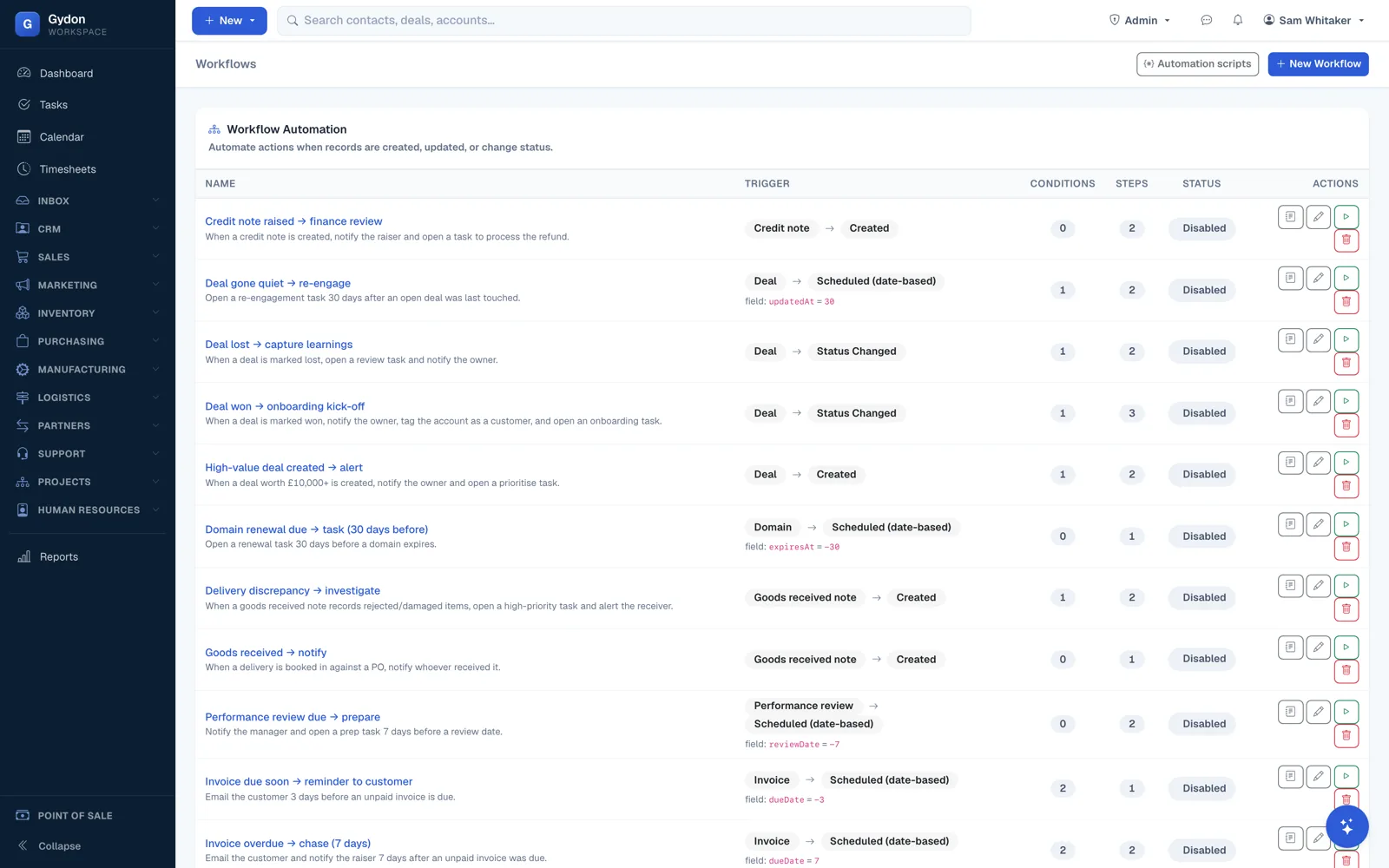
When this happens, do that
Workflows watch records and dates. When an order reaches a status, when a quote has been sitting unanswered for a week, when a job is due tomorrow, when an invoice goes past its terms: something happens, without anybody remembering to make it happen.
- Triggers on create, update, status change and scheduled dates
- Actions including email, SMS, creating a task, and changing a field
- Conditions, so a rule applies to the cases you mean and not the rest
- Built and edited in the interface, with no code involved
For the rule that does not fit a form
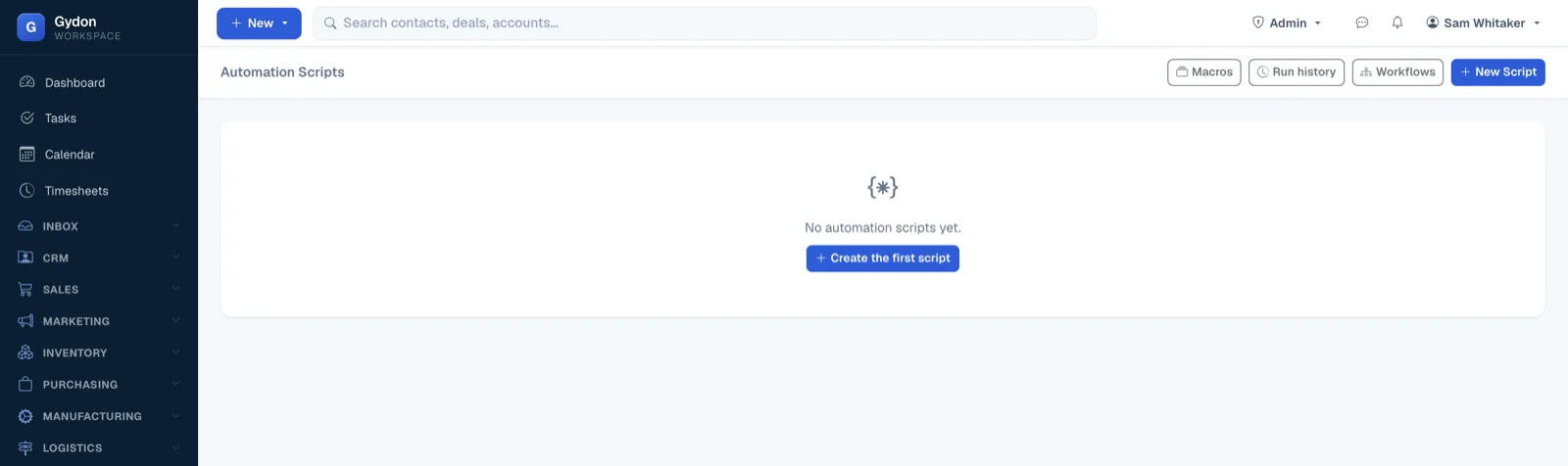
Some rules are too specific for a builder and too important to give up on. Gydon has a small scripting language for those, and scripts can be run from a workflow action or from a button on a record page.
Scripts run inside a sandbox with a governor on them: they cannot reach outside the data they are allowed to see, and they cannot overrun the server. That is deliberate. Automation you are frightened of is automation you will not use.
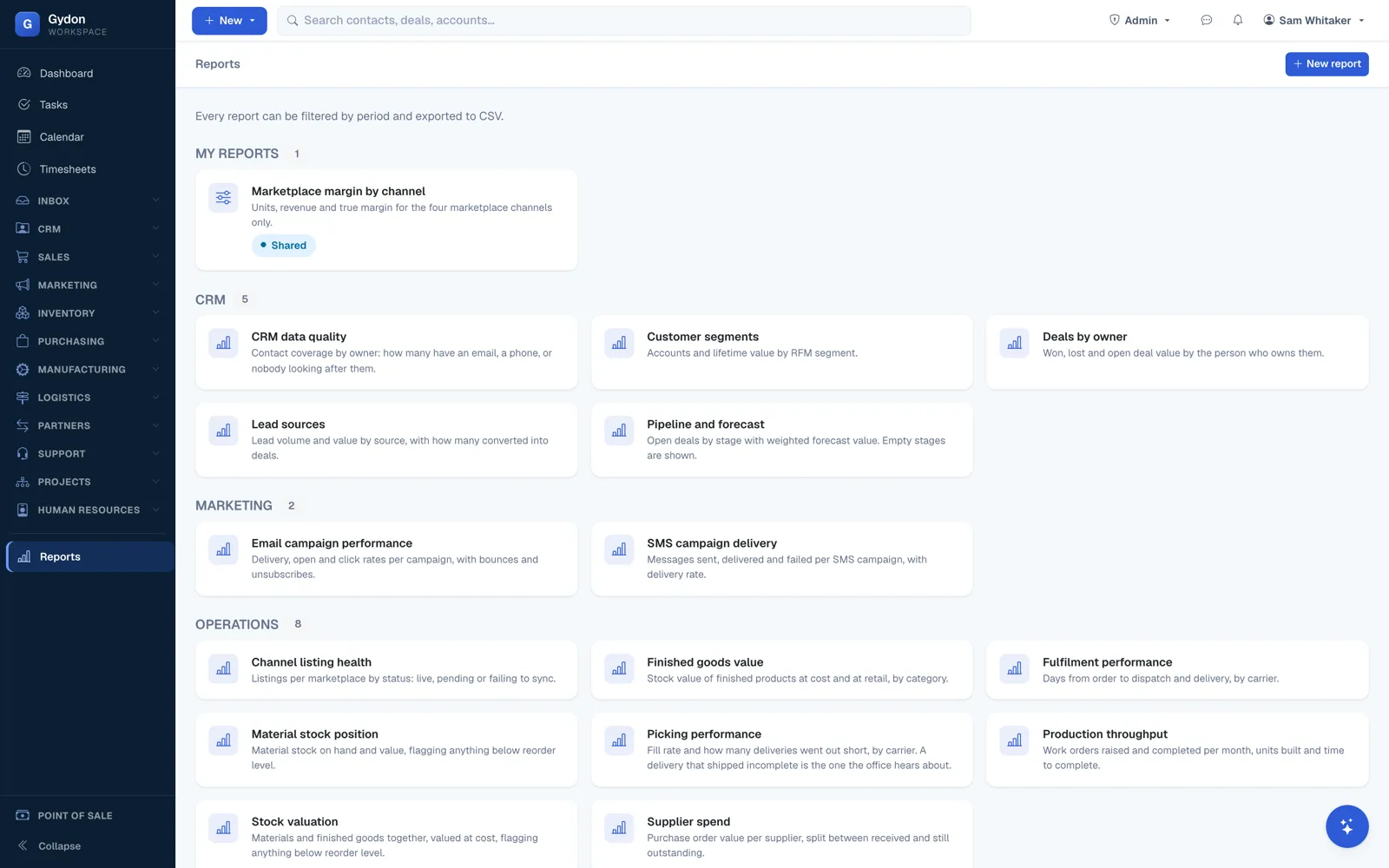
Ask the question where the data lives
The report builder works over the live records rather than an export. Pick a source, pick the dimensions you want to group by and the measures you want counted, filter it, save it, and have it delivered on a schedule if it is a question you ask every week.
- Sources across sales, stock, production, time, support and people
- Time reportable by person, project, work centre, operation, job and product
- Saved reports shared with the people who need them
- Scheduled delivery, so the Monday report arrives on Monday
Documents that look like yours
Quotes, order confirmations, job sheets, delivery notes, purchase orders, run sheets and count sheets all print from templates you control, with merge fields that reach into the record being printed.
- Merge fields
- Pull any field from the record and its relations, including a job's full routing scaled to the quantity being made.
- Barcodes
- References print as scannable codes, so the shop floor and the warehouse can jump straight to the right record.
- Your branding
- Templates are HTML, so a designer can make them match the rest of your stationery.
- Custom fields
- Add the fields your trade needs to the records that need them, and merge those too.
Name the job you wish nobody had to do
The weekly chase, the copy and paste, the spreadsheet. We will show you how it goes away.