
The floor, the stores and the road.
Three Android apps, each built for one pair of hands and one job. They connect to your Gydon directly, they know who is holding them, and they carry on working when the connection does not.
Two questions that look like one
Almost every mobile rollout answers only the first of these, which is why its numbers cannot be relied on.
May this device talk to Gydon?
An administrator creates a short pairing code in Gydon and enters it on the device once. The device is issued its own key and uses that from then on, so no account password is ever needed on the floor, and a lost handset can be cut off on its own without changing anybody's login.
Who is holding it right now?
A four digit PIN, or a door card followed by that PIN. The signed on person is attached to every action, so a shift's labour, a picker's movements and a driver's run are recorded against whoever actually did them, not against the administrator who set the tablet up.
A tablet at the bench
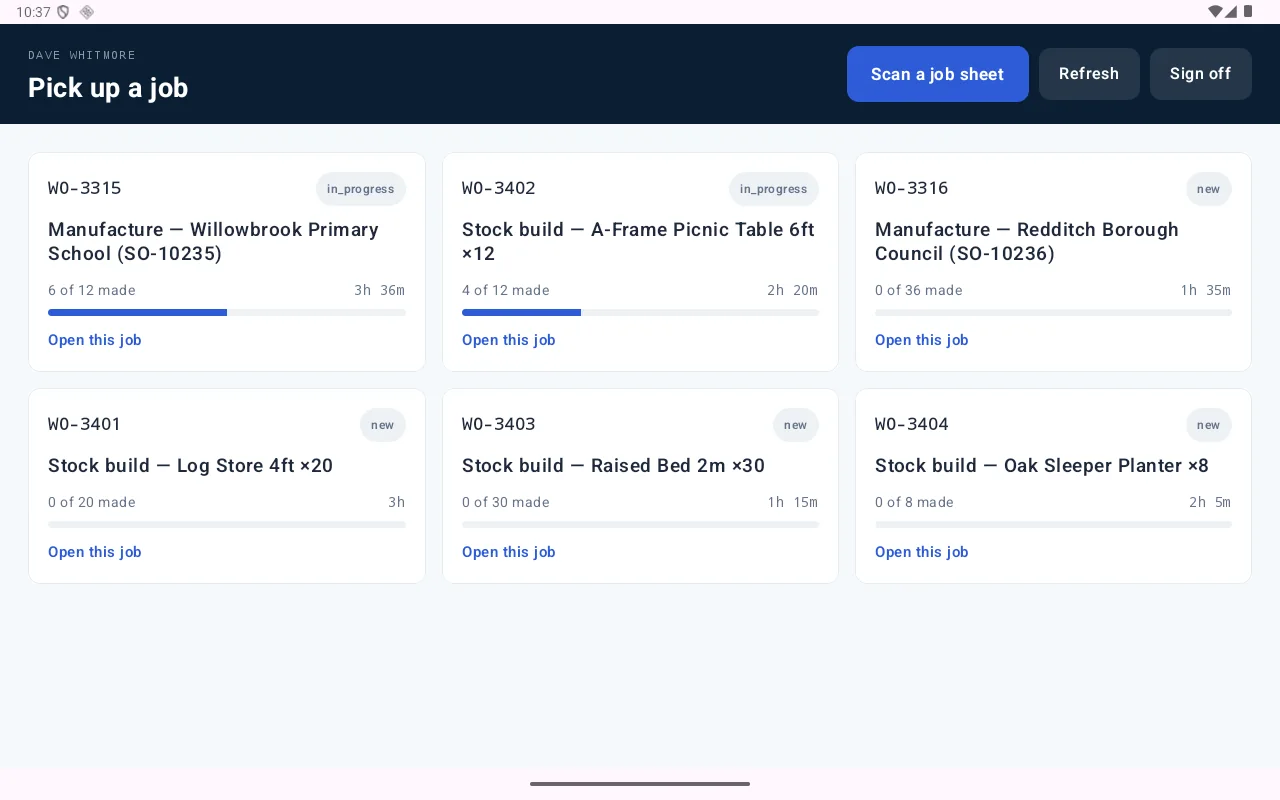
Landscape, large targets, and no menu tree to work through. The operator picks up a job, sees how many are still to make, opens the drawings attached to the product, and clocks on to the stage they are about to do. When they finish a batch they record what came off the run, and the job closes itself when the totals meet the order.
- Scan a job sheet to jump straight to the right work order
- Clock on and off a production stage, with the clock visible across the room
- Drawings, cut sheets and finish notes pulled from the products on the job
- Record part runs, so a job made over several sittings adds up
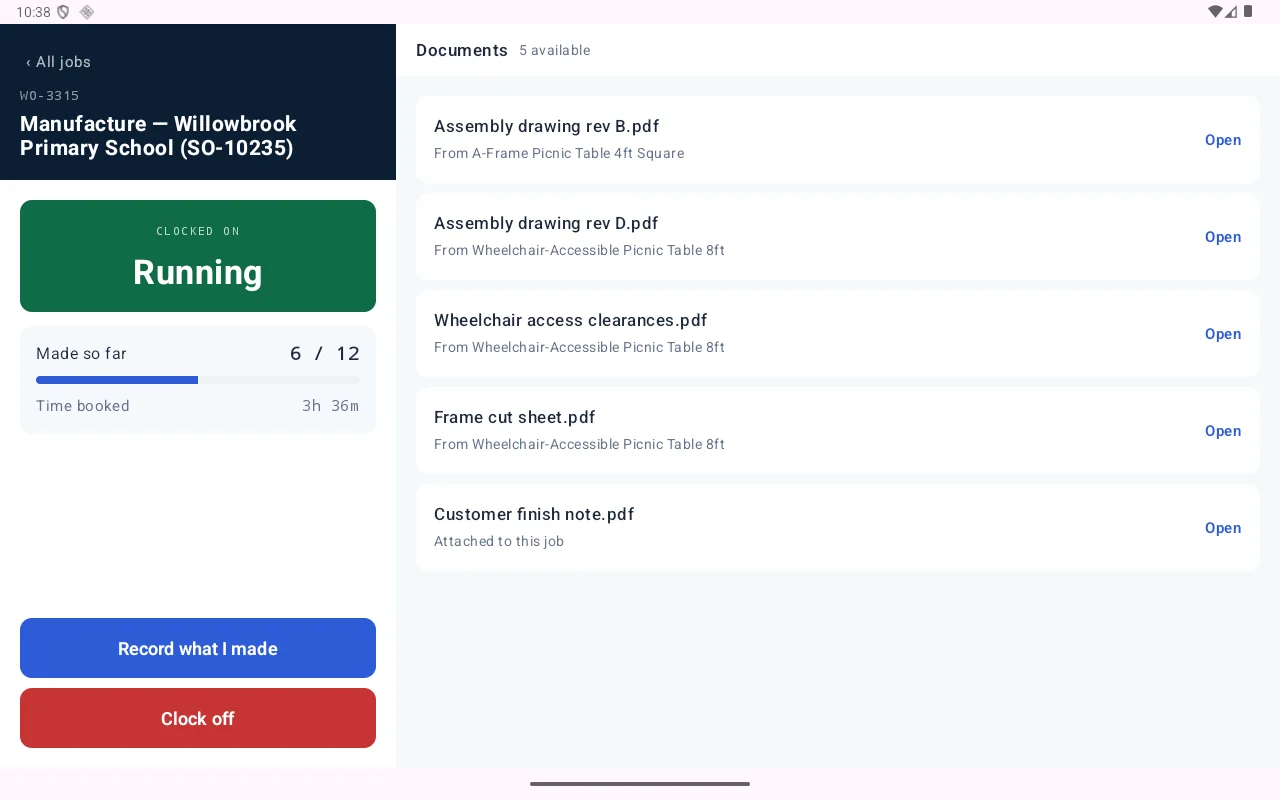
Clocked on to a stage
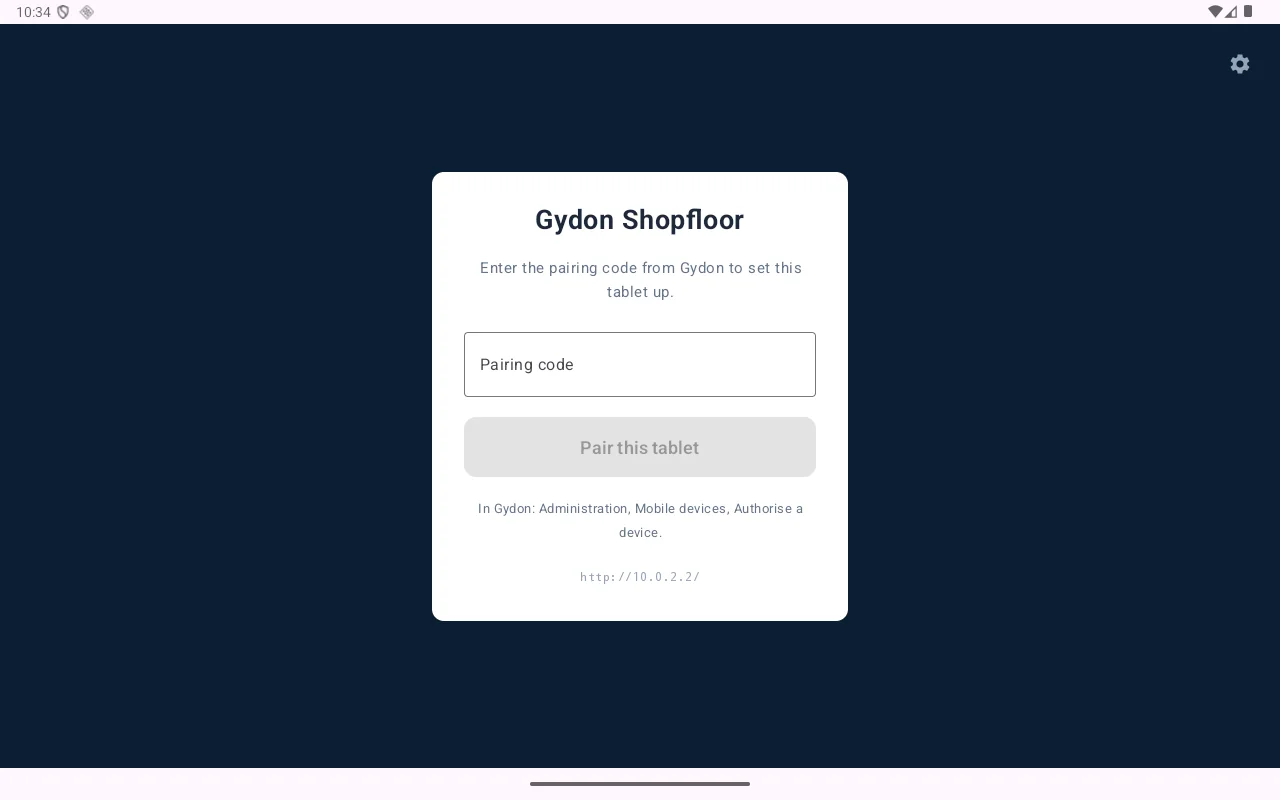
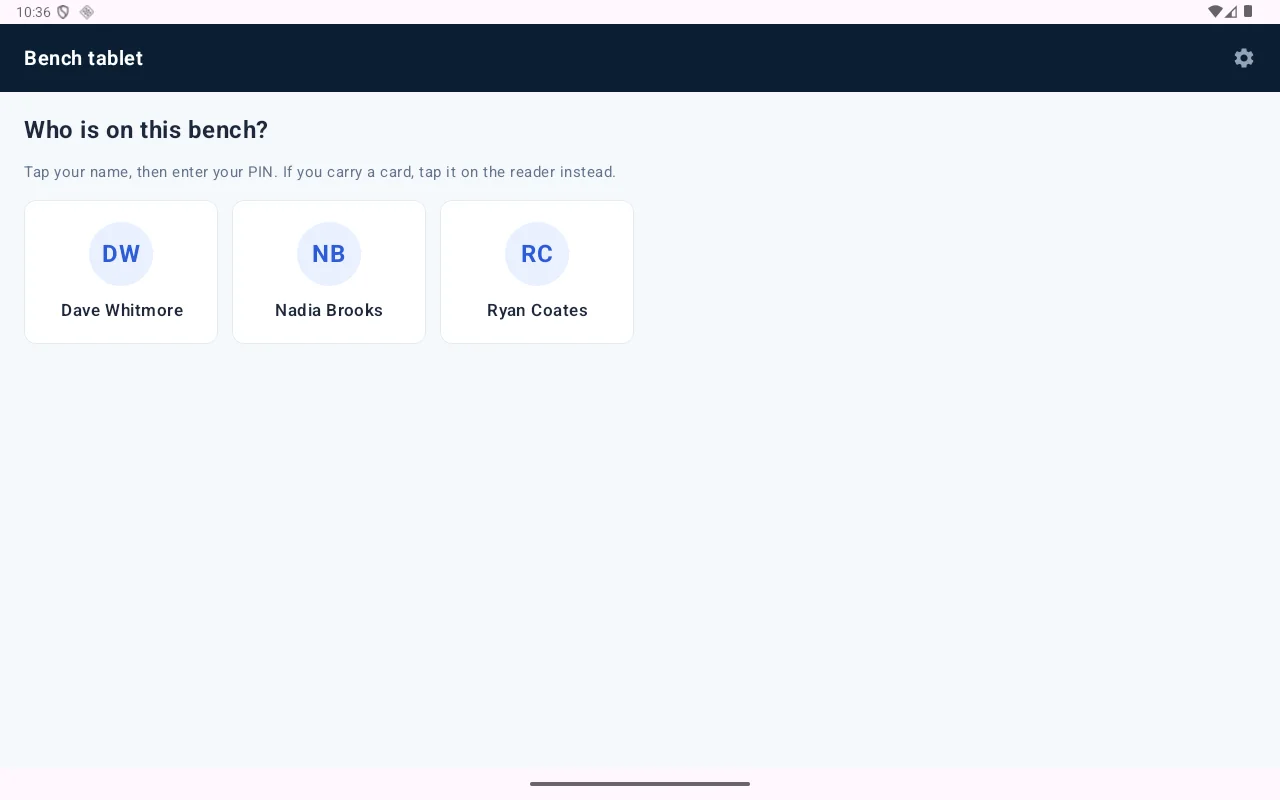
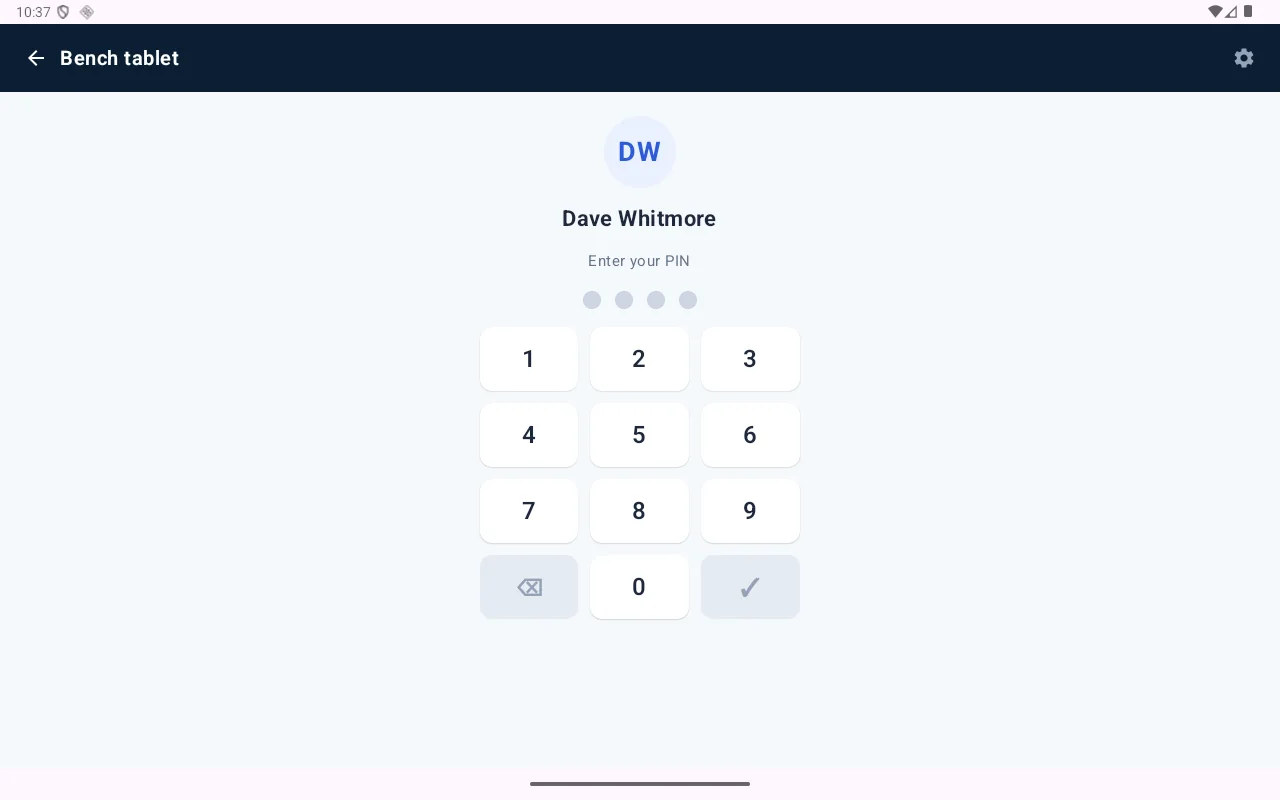
Pair the tablet once, then anybody on shift signs on in two taps.
A handset in the stores
Portrait, one thumb, and a question at the top of every screen. Look something up by barcode or SKU and see what is on hand, what can actually be sold once holds are taken off, and which location it is in. Book in what has arrived. Move it. Count it. Then pick, pack and dispatch the orders that are waiting.
- Barcode or SKU lookup with stock by location
- Goods in, stock moves and counts, with nothing moving until a count is finished
- Pick, pack and dispatch, with parcel counts and labels
- An offline queue that drains when the signal comes back
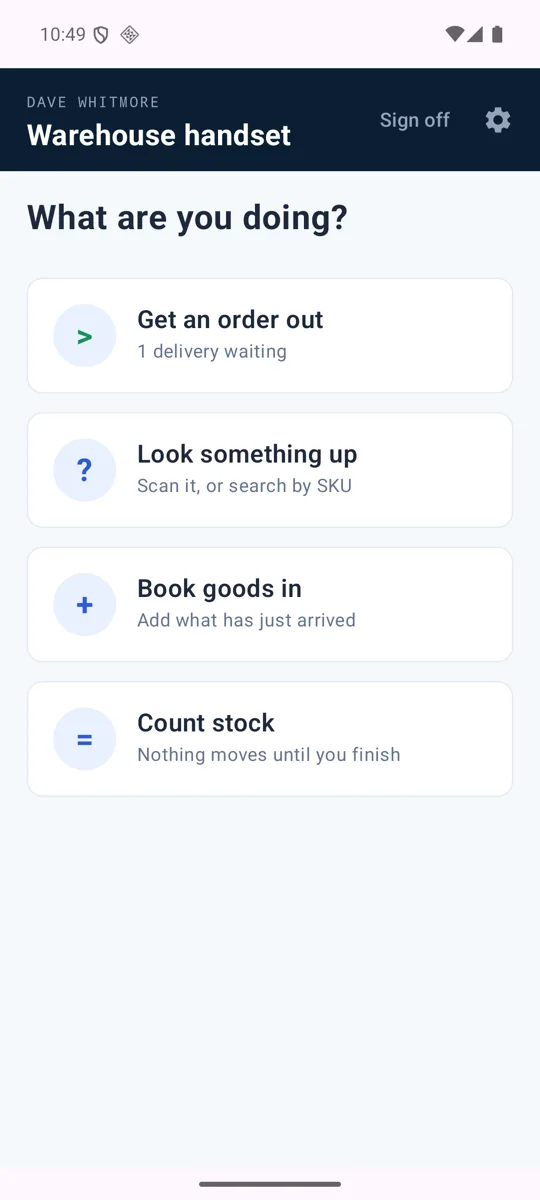
Pick a task
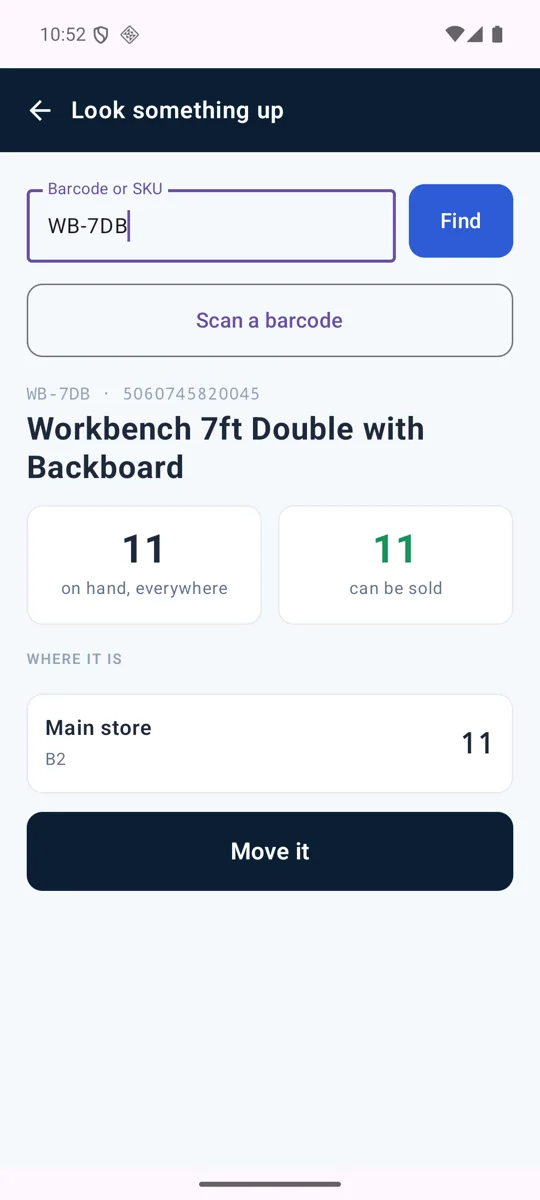
Stock lookup
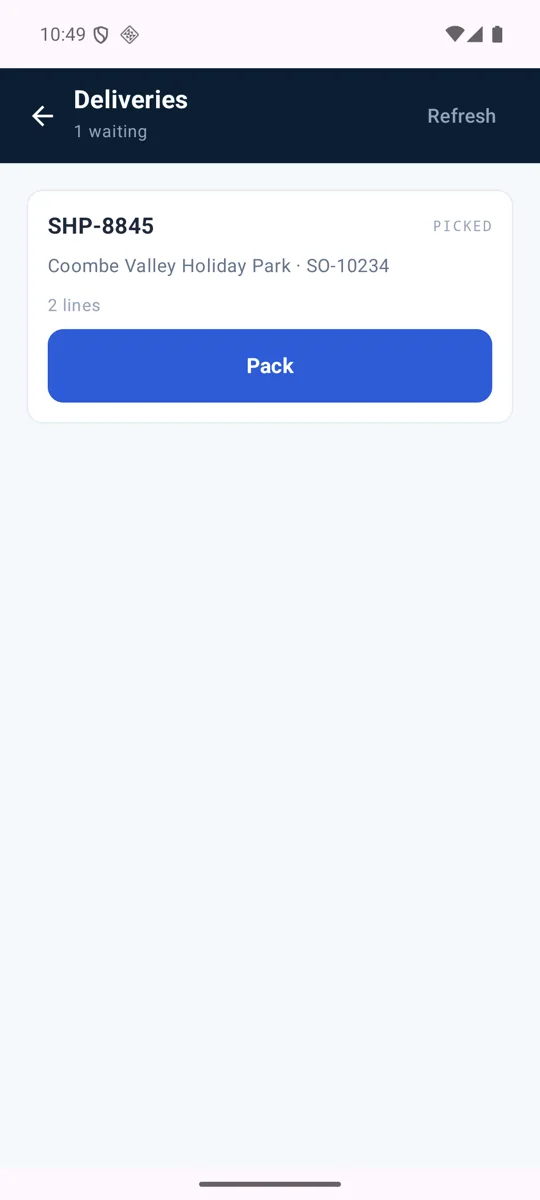
Orders waiting
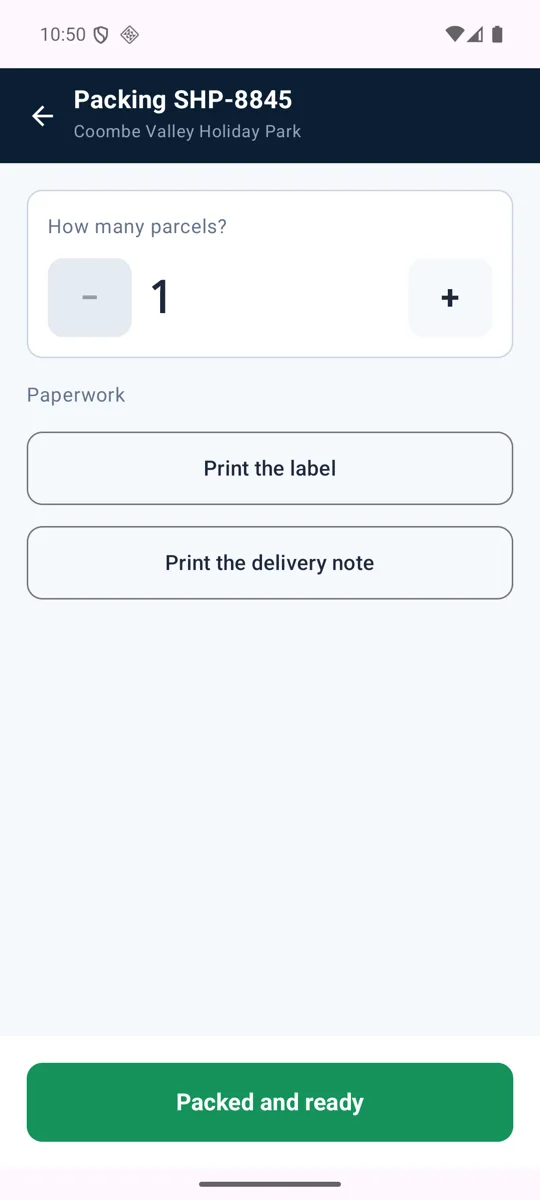
Packing
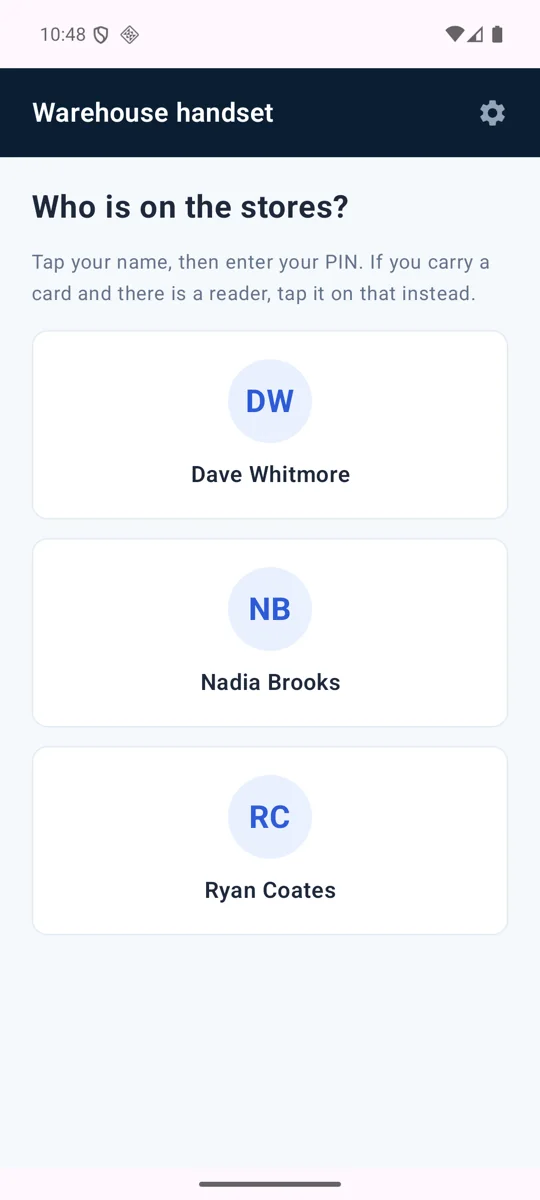
Signing on
A phone in the cab
The round that was planned in the office arrives on the driver's phone as today's run. They work it stop by stop, navigate to each drop, and capture proof of delivery on the doorstep. What happens on the road comes straight back into the order it belongs to.
- Today's dispatched run, in the order it was optimised
- Turn by turn navigation handed to the phone's own maps
- Proof of delivery captured at the drop
- Nothing lost when the van goes through a signal blackspot
Being finished now: photo capture at the drop is wired into the build but not yet switched on, and NFC card reading has been written but not yet run against real hardware. We would rather say so than let you find out.
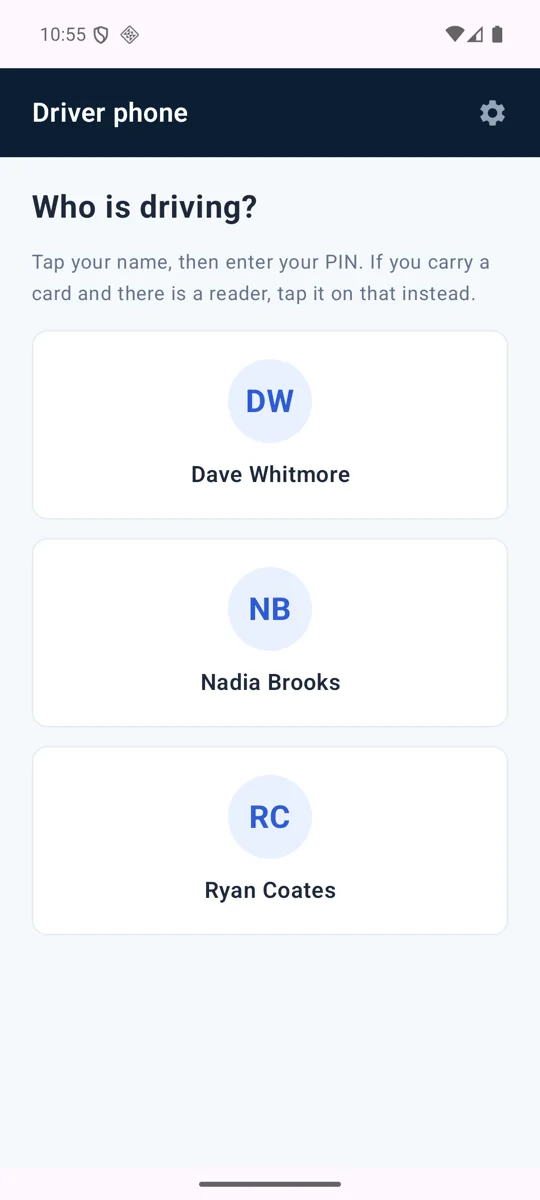
Who is driving
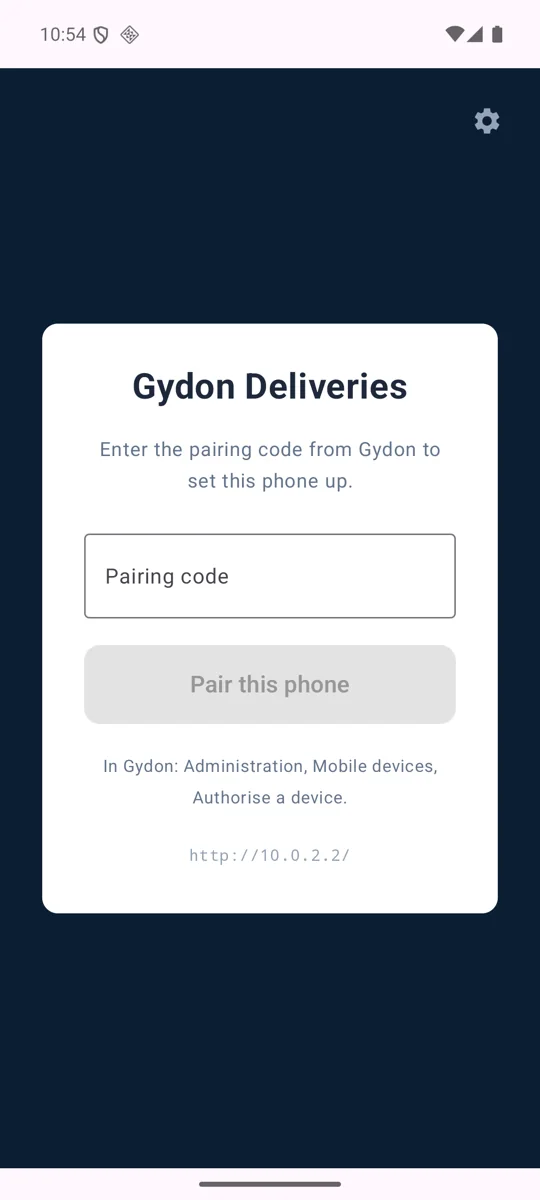
Pairing the phone
The practical detail
- Platform
- Android. Tablets for the bench, handsets for the stores and the cab.
- Getting them installed
- We supply signed builds that install directly on your devices, rather than going through a public app store.
- Working offline
- Each app queues what it records and sends it when the connection returns, so a blackspot costs you nothing.
- Losing a device
- Revoke it in Administration and it stops working immediately. The person's PIN is unaffected, so they carry on with a different device.
- Licensing
- One licence per app. A workshop with no vans has no use for a driver app and does not pay for one.
See the apps against a real job
We will run a job through the tablet, pick it on the handset and put it on the van, so you can see what your people would actually be tapping.